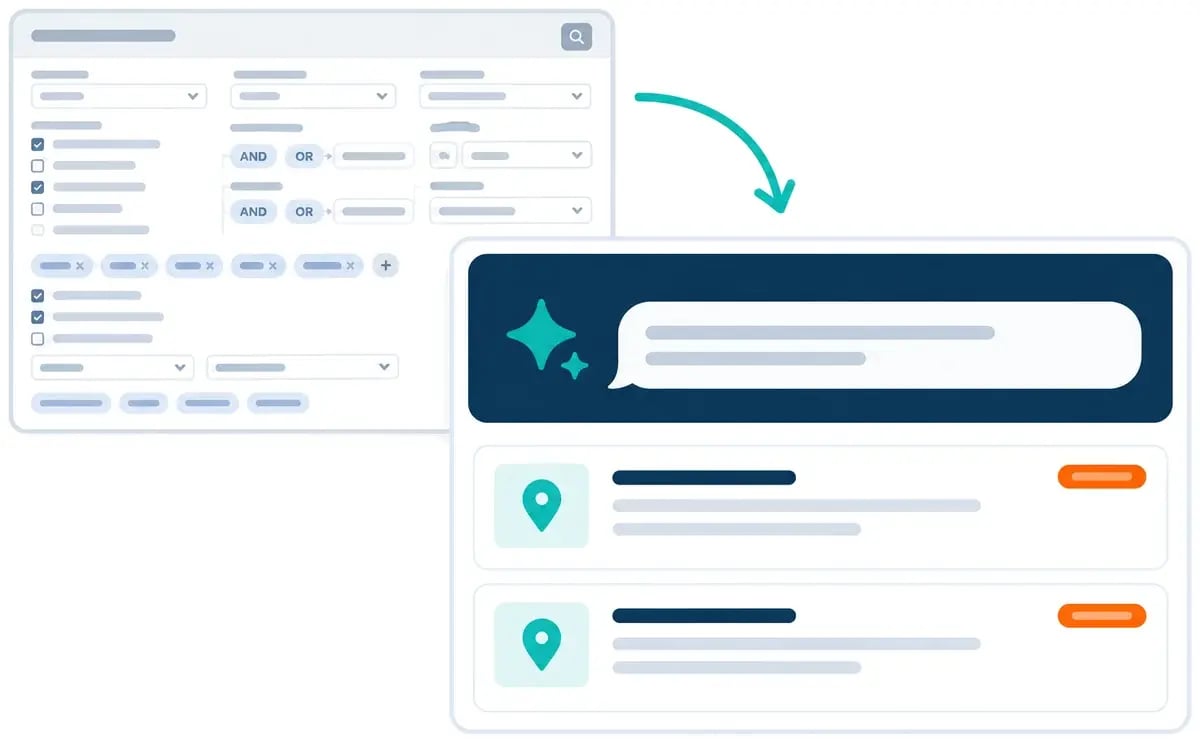
Search Assist chat panel building a project search next to a list of matching commercial construction projects

SEARCH ASSIST IN CONSTRUCTCONNECT® PROJECT INTELLIGENCE

Describe your perfect project. Search Assist finds it for you.

Tell Search Assist what you’re looking for. It creates a search for you in real time, then helps you refine it through a conversation. No need to figure out complicated filters or Boolean logic to find your next project.

Explore Project Intelligence
A busy advanced-search filter form next to a single Search Assist chat box that returns matching projects

WHY SEARCH ASSIST

The search shouldn’t be the hard part.

You know the kinds of projects your business wants. Translating that into the right keywords and filters takes time you don’t have.

Search Assist gives you another way to get started. Describe what you’re looking for in everyday language, review the search, and explain what you want to change.

BENEFITS

Benefits of Search Assist

Search the way you think

Describe a project by type, location, timing, scope, or any criteria that matter to your business. Search Assist translates your request into relevant keywords and filters.

Make adjustments in the conversation

If the results are too broad or don’t reflect what you had in mind, say what needs to change. Search Assist can ask follow-up questions and suggest ways to refine the search. Continue from your current search instead of starting from scratch every time.

Get help with questions

Not sure what a platform term means or where to find a feature? Ask Search Assist and it will answer, pulling straight from the ConstructConnect Help site.

Search in your language

Talk to Search Assist and get responses in your preferred language.

Save a search for next time

Use Search Assist with a new search or an existing one. Then save a search to return to it later.

Try a suggested prompt

When you’re not sure what to ask, click one of the suggested prompts to get the conversation going.

Try asking

  • Find new-construction projects in my market that match my trade.

  • These results are too broad. Help me narrow them down.

  • I’m looking for projects with [your criteria]. What should I refine?

  • Where can I find my saved searches?

HOW IT WORKS

Building a search that works for you

  1. Open Search Assist

    Open Search Assist from the Search page in Project Intelligence.

  2. Describe what you want

    Describe the projects or criteria you want to search for.

  3. Review and refine

    Review the search and continue the conversation to clarify or refine it.

  4. Save it for later

    Save the search to reuse it later.

GET STARTED

Less time figuring out filters. More confidence building your search.

Search Assist puts practical help in the search workflow, so more people on your team can create and refine searches without having to memorize terminology.

FAQ

Frequently Asked Questions

  • Does Search Assist use different filters than the ones I can select manually in Project Intelligence?

    No, Search Assist uses the same keywords and filters available in Project Intelligence today. It offers a conversational way to build and refine a search while letting you easily refine filter selections manually if desired.

  • Can I use it to ask questions about a specific project or summarize search results?

    Search Assist is designed to help build and refine searches and answer questions about the ConstructConnect Platform. For questions about specific project details, use Ask Documents in Project Intelligence, which surfaces answers from project documents automatically. For deeper project analysis, the ConstructConnect Analytics dashboards in Project Intelligence give you AI-powered summaries about your market.

  • Can I use Search Assist with a search I already have?

    Yes. You can open it from a new search or an existing one, refine the search, and save searches for later.